The core principles that guide every decision in the Naos design system.
To infuse Brevo's values and personality into our experiences, we've outlined a set of design principles. These serve as guidelines and considerations for designers to apply thoughtfully.
Acting as a framework, they help make informed decisions, solve problems, and meet specific design goals.
While these principles may seem straightforward, it's crucial to keep them in mind consistently.
End-to-end
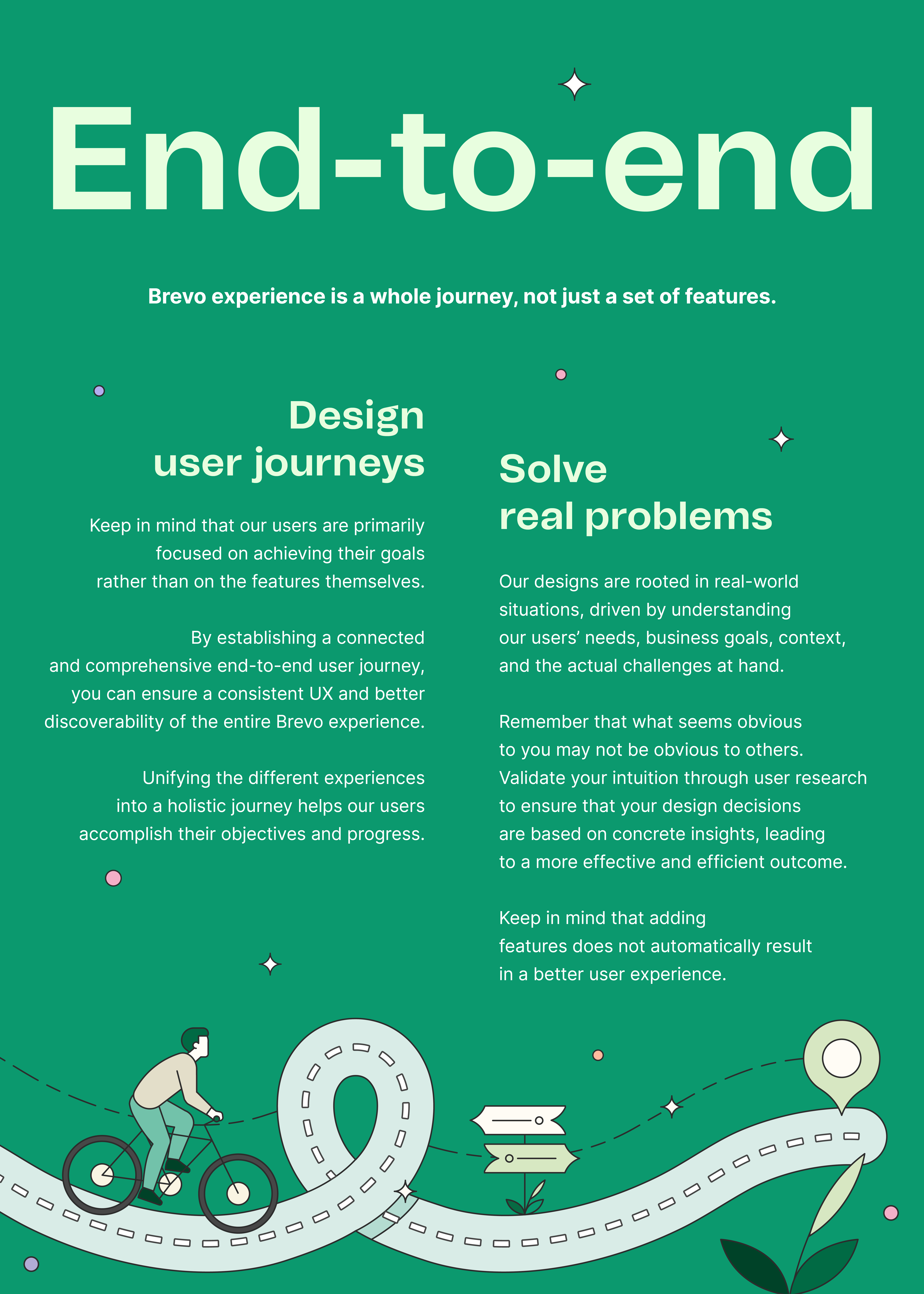
Tips
| Design user journeys | Solve real problems |
|---|
- Map user end-to-end user journeys.
- Guide our users without forcing them to discover.
- Allow to skip discovery.
- Consider the progress already made in the app.
- Give the ability to learn with the help center.
- Design with help text.
| - Create a design plan to anticipate all the phases of your project.
- Every new journey or feature is informed by research through continuous research or user research methodology.
- Challenge the problem until you're sure this is the one to solve.
- Don't forget about the context.
- Business goals are as valuable as user needs.
- Research, design, test, and iterate.
- Adapt your Design Cycle to the impact of your problem.
- Check the data you already have at your disposal.
|
Familiar
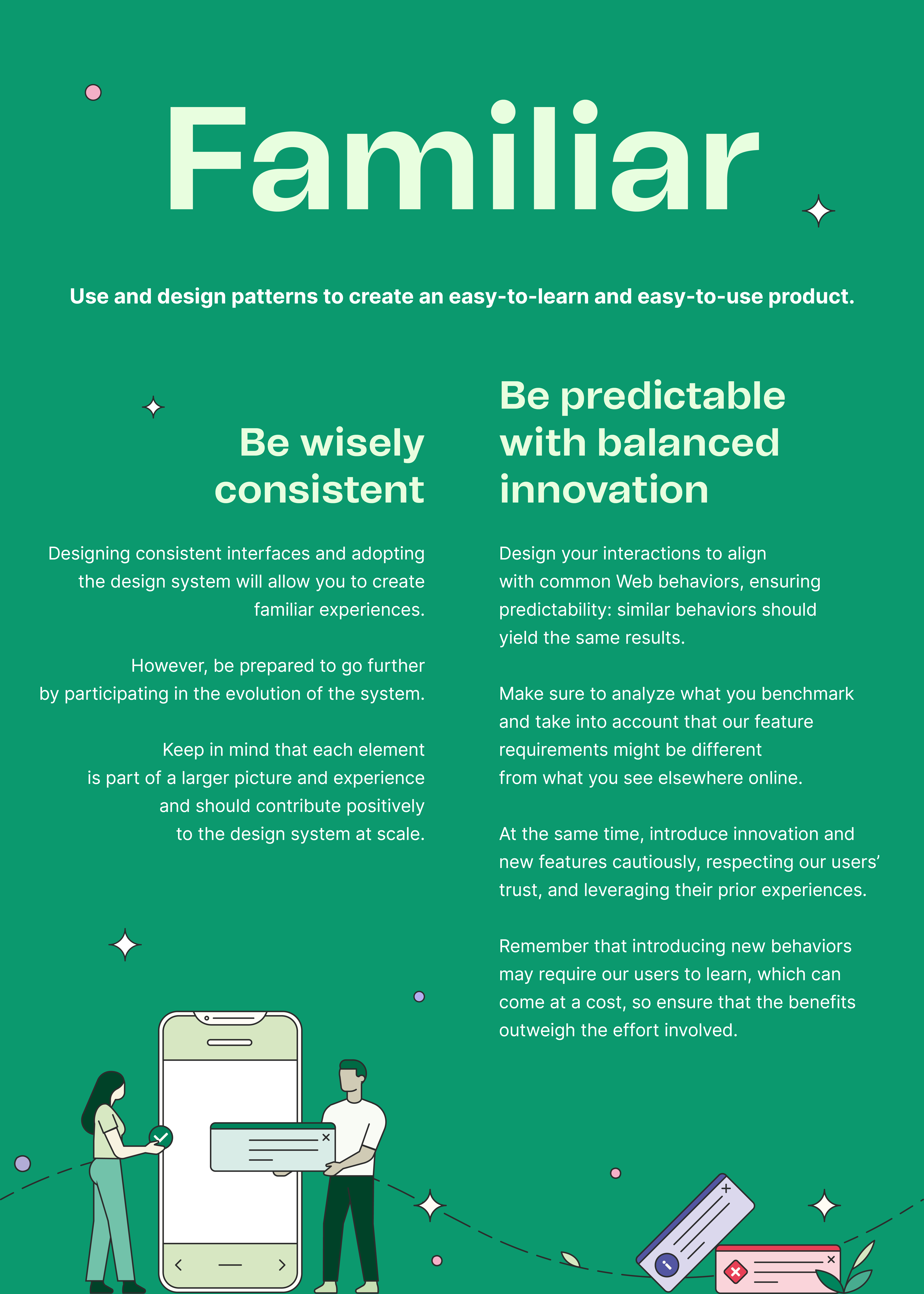
Tips
| Be wisely consistent | Be predictable with balanced innovation |
|---|
- Use the design system.
- Participate in Naos Sync.
- Share your work with others. Be curious about other's work.
- Check the entire product, not just your scope.
- Create new evolutions respecting the basics of DS.
- Ask for compliance reviews.
| - Can you easily describe your feature to a friend?
- Design happy and not-so-happy paths.
- Prevent our users from making mistakes.
- Design and write feedback messages.
- Work with clear cognitive models.
- Check the common Web behaviors.
- Check Brevo's behaviors.
- Check our competitors' behaviors.
- Analyze what you benchmark, do not take it for granted.
|
Plural
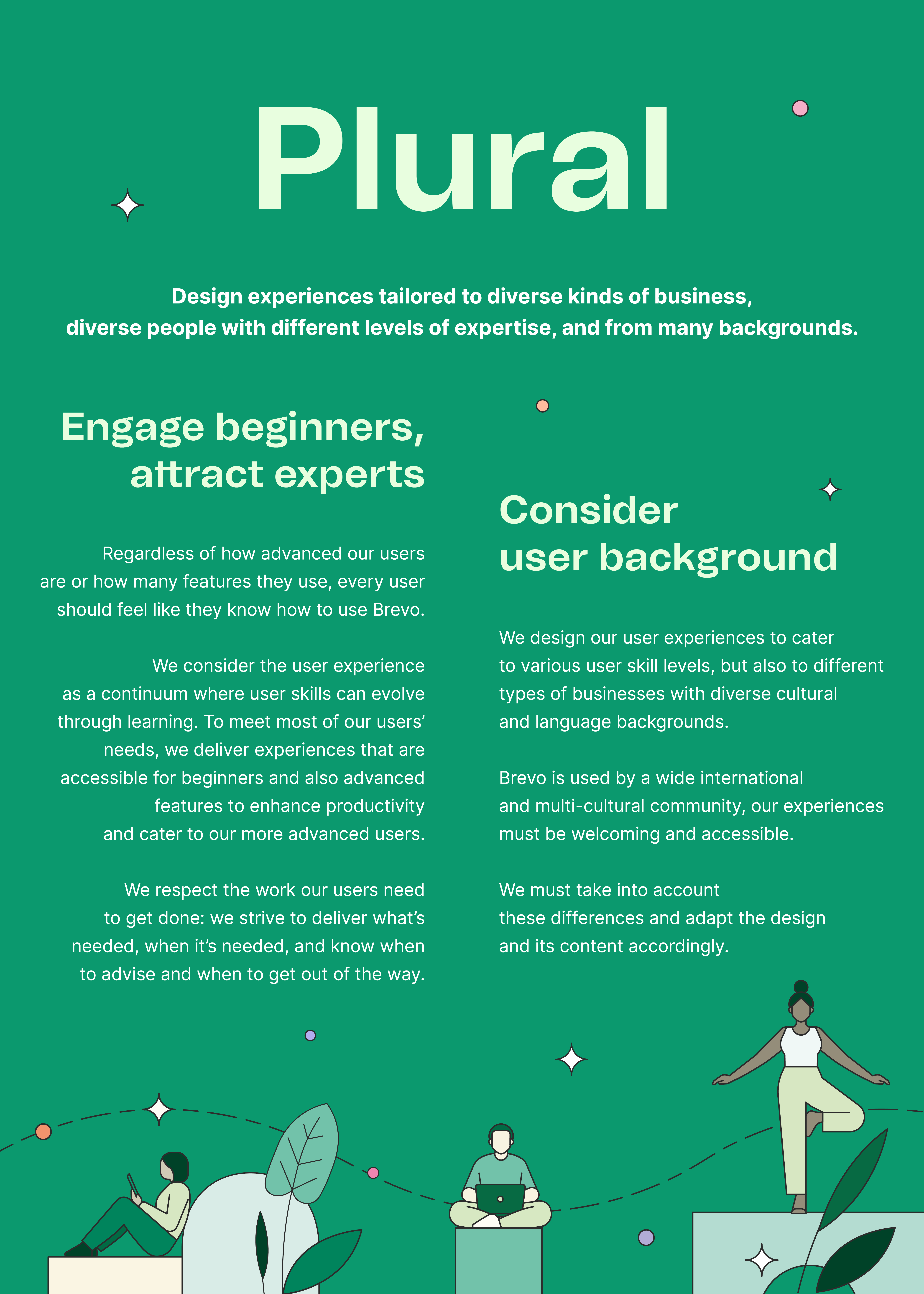
Tips
| Engage beginners, attract experts | Consider user background |
|---|
- Always refer to our persona.
- Onboard our users and allow them to skip.
- Provide clear guidance.
- Do not disturb our advanced users.
- Design with instruction, help, and tips.
- Alert about the level of complexity.
- Take care of performance.
- Do not overload the experience.
- Design all the permissions.
| - Work with Brevo's persona.
- Keep in mind the different types of business.
- Keep in mind cultural differences.
- Keep in mind that content structure can differ.
- Always use our accessibility principles.
|
Simple
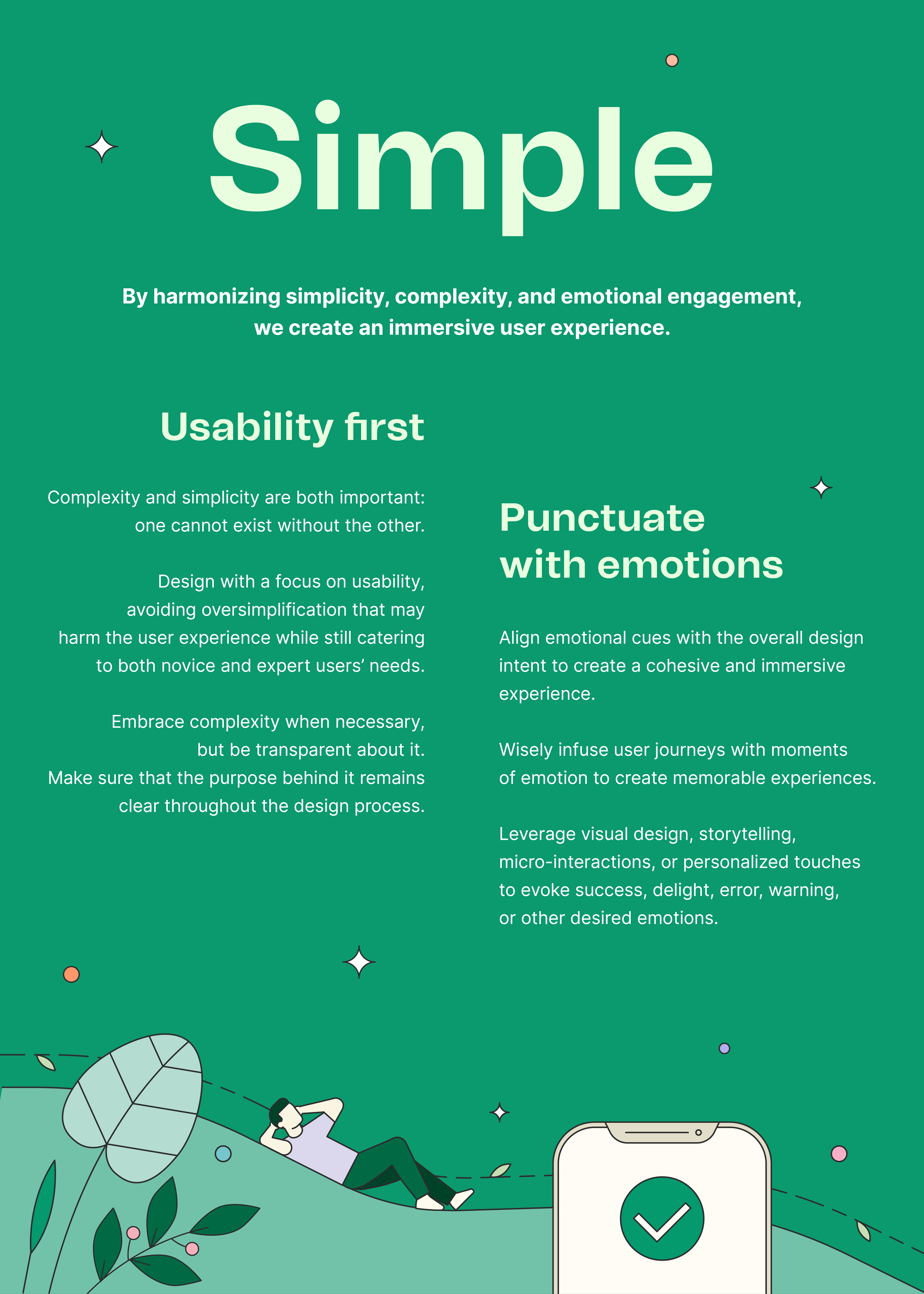
Tips
| Usability first | Punctuate with emotions |
|---|
- Design an explicit information architecture.
- Create a clear visual hierarchy.
- Don't assume everyone knows everything, use content to explain.
- Simplicity is not about minimalism, it's about essential.
- Minimize jargon.
- Use progressive disclosure to manage complexity.
- Break down your task in smaller ones.
- Alert about the level of complexity.
- Give the ability to learn with the help center.
| - Find out what emotions our users are experiencing.
- Identify emotional touchpoints.
- Consider creating all kinds of emotions: joy, excitement, calm, trust, surprise, and satisfaction.
- Use narrative to create a more immersive experience.
- Provide timely and helpful feedback.
- Design with help text.
- Make the error memorable in a good way.
- Use illustrations and visual design to convey emotions.
|